Archive and Legend
The “Check in” plugin provides the ability to maintain an archive of all guests and the data they have submitted. To archive a guest, click the red “Archive”…
How to Archive a Check-in
The “Check-in” plugin provides the ability to maintain an archive of all guests and the data they have submitted.
To archive a guest, click the red “Archive” button in the user summary section.
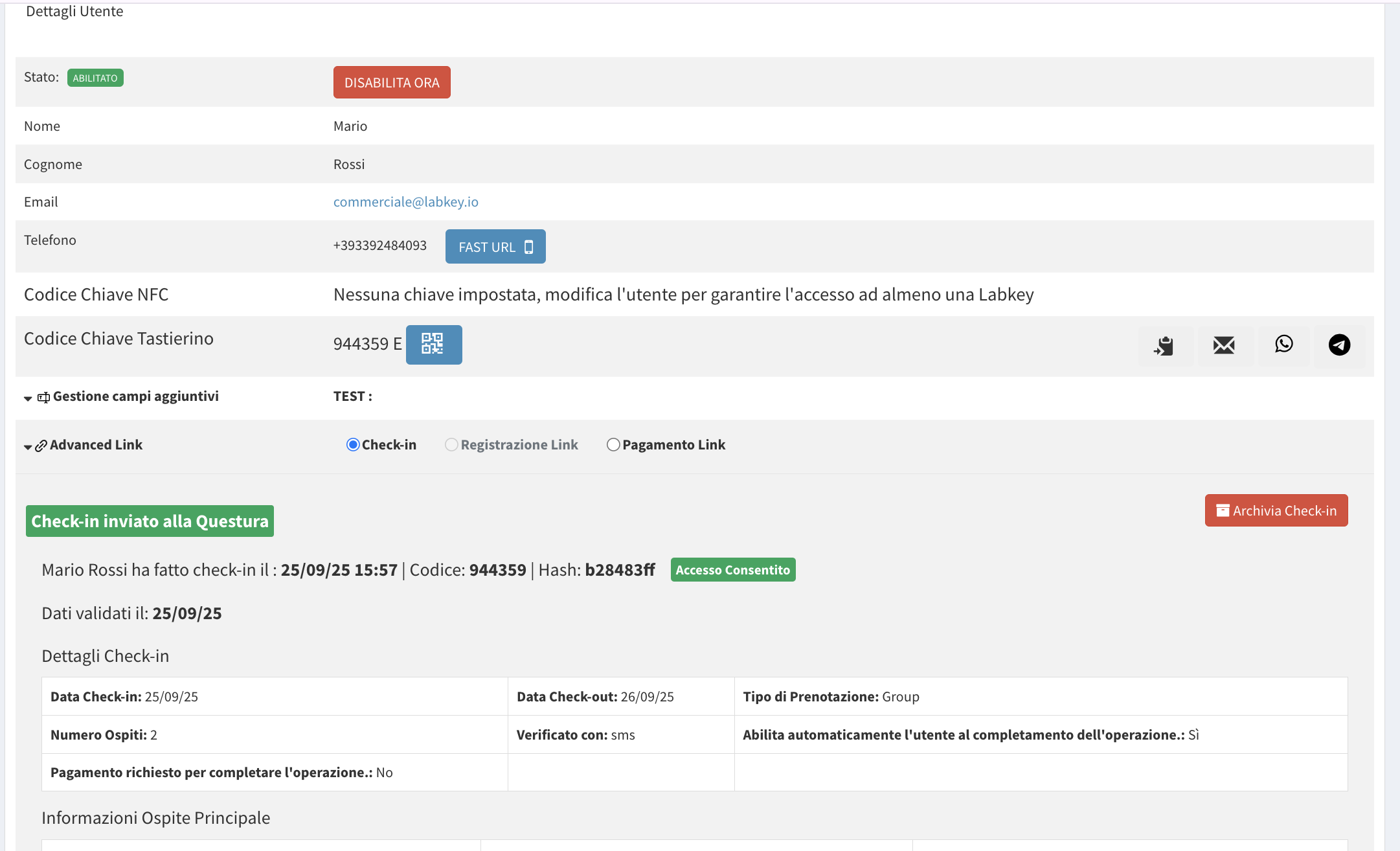
ATTENTION: When a check-in is archived, the access code will be changed, so the guest will no longer be able to use the same code according to the previously set permissions.
You can view a summary of check-ins for each user (including archived ones), organized by date.
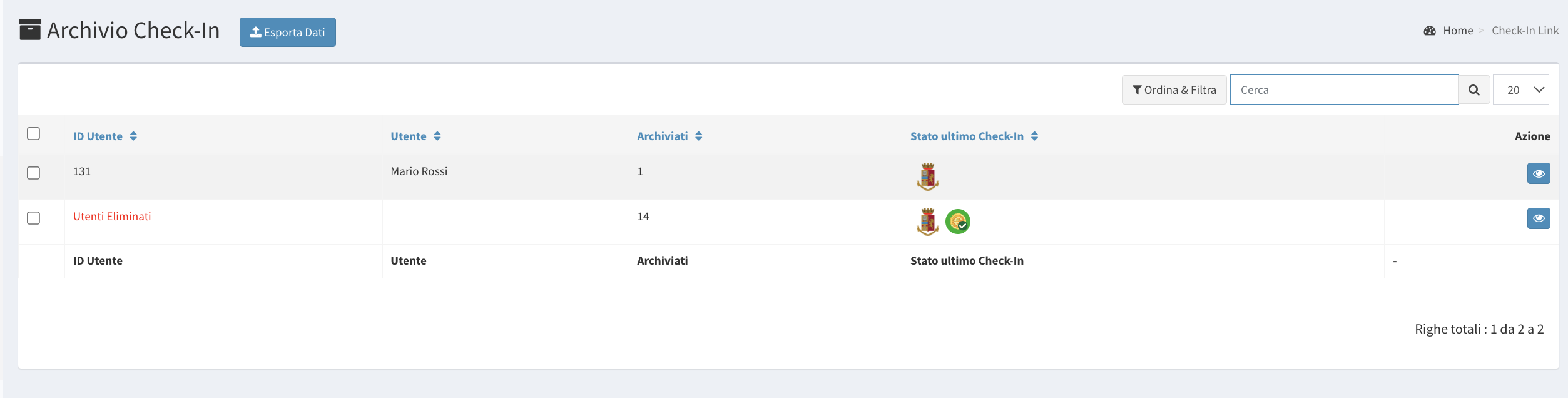
Legend
“C” Icon:
- Grey: Check-in link created
- Orange: Online check-in procedure completed by the guest
- Green: Check-in procedure fully completed
“Police” Icon:
- Grey: Data not sent to the police
- Colored: Data sent to the police
- Colored with “no entry” sign: Check-in expired for sending data to the police
“Coin” Icon:
- Grey: Payment link created
- Colored: Payment completed
Note: Each icon is clickable and will open the guest’s data summary.