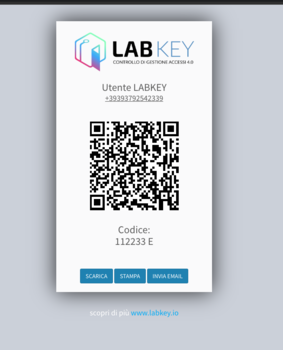
QR Code Export
Export and create the access QR code for the user, within the Manage Panel.
To create a user’s QR code you need to enter a numeric code and a phone number. For more information, see the section Adding a New User
Once the user has been created, the QR code is also generated. Follow these steps to export the corresponding QR code:
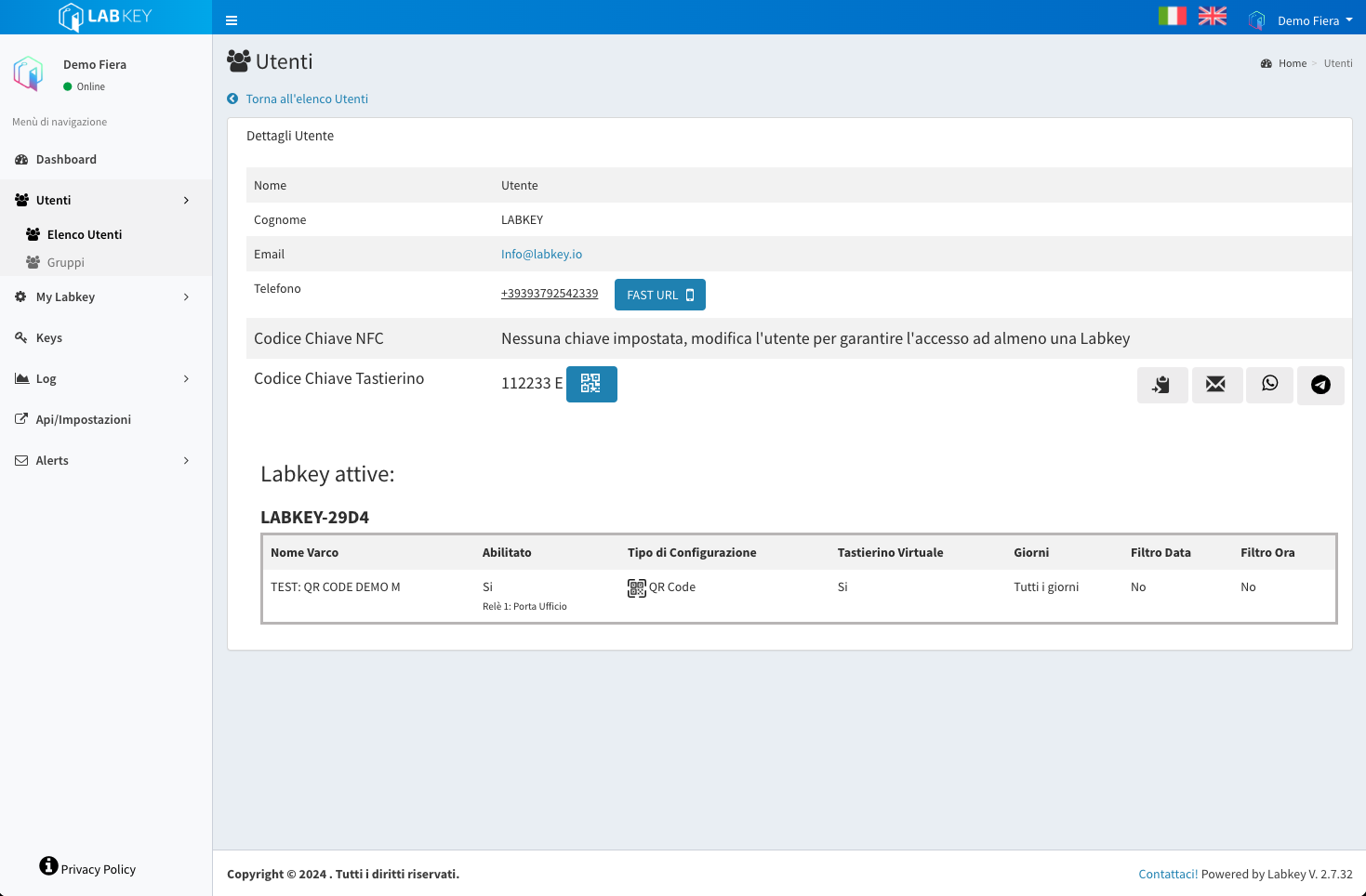
- Select the view mode for the user’s details (the one whose QR code you want to export) using the blue 👁️ button.

In the “Keypad Key Code” section, click on the , next to the numeric code, and a new window will open with the QR image.
On the QR code page, select the desired sharing mode (“download, print, send email”).