Accessing the Manage Panel
Accessing the Manage Panel
To access the management panel:
- Type in your browser’s address bar: manage.labkey.io.
- Enter the login credentials found in the instruction manual, or that were provided to you by the LabKey team.
- Click “Login”.
Or
If you do not have credentials, but you have a cloud control unit available, register at manage.labkey.io in the dedicated section.
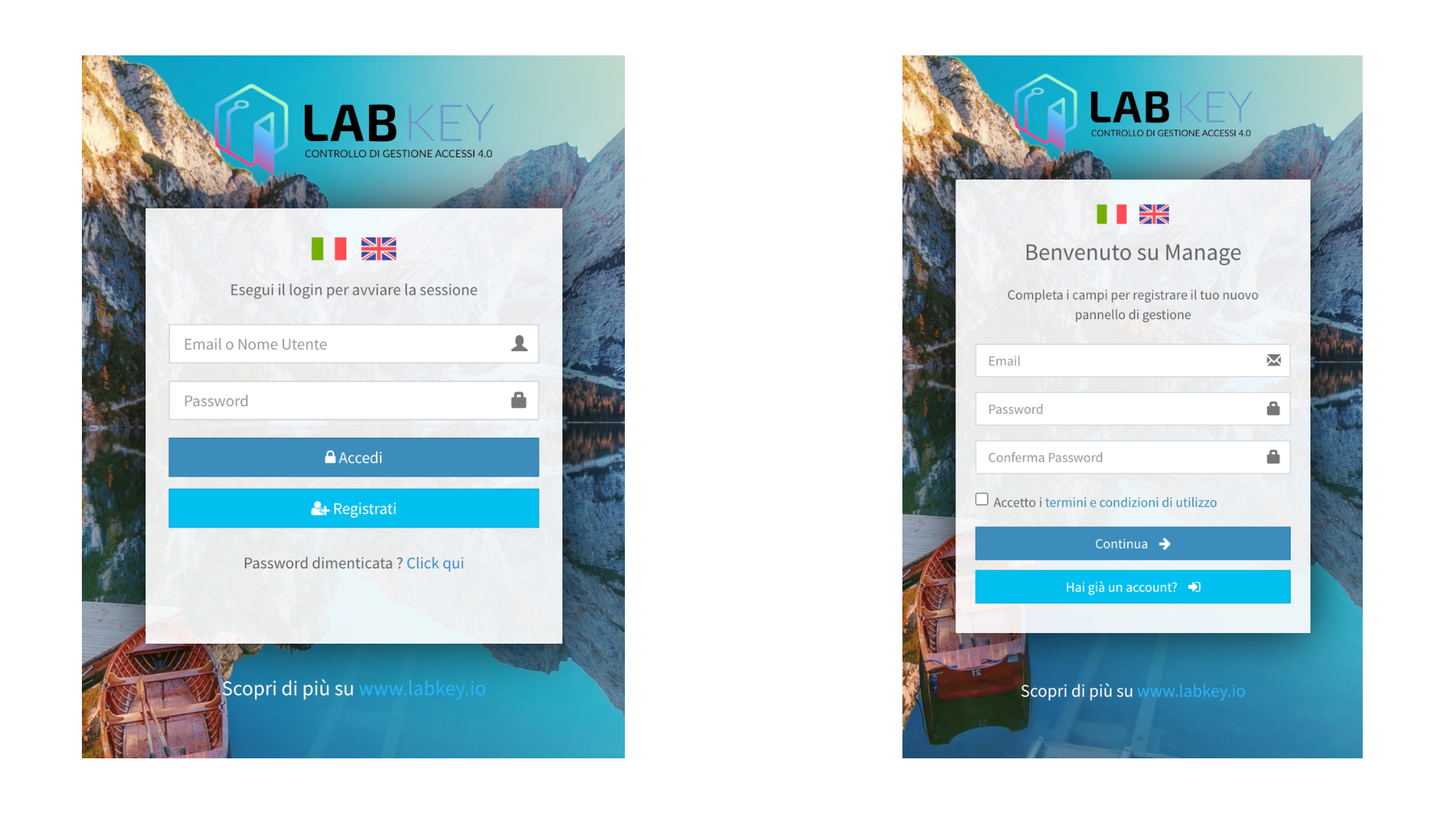
- Create your login credentials and verify your email.
- Enter billing information (for the expected hosting fee of the Manage Panel) and panel details.
Note: enter a valid VAT/Tax Code and email address, otherwise the cloud service on manage.labkey.io will be deactivated.
- Enter the serial number of your LabKey control unit and its Wi-Fi password to activate the Manage Panel.
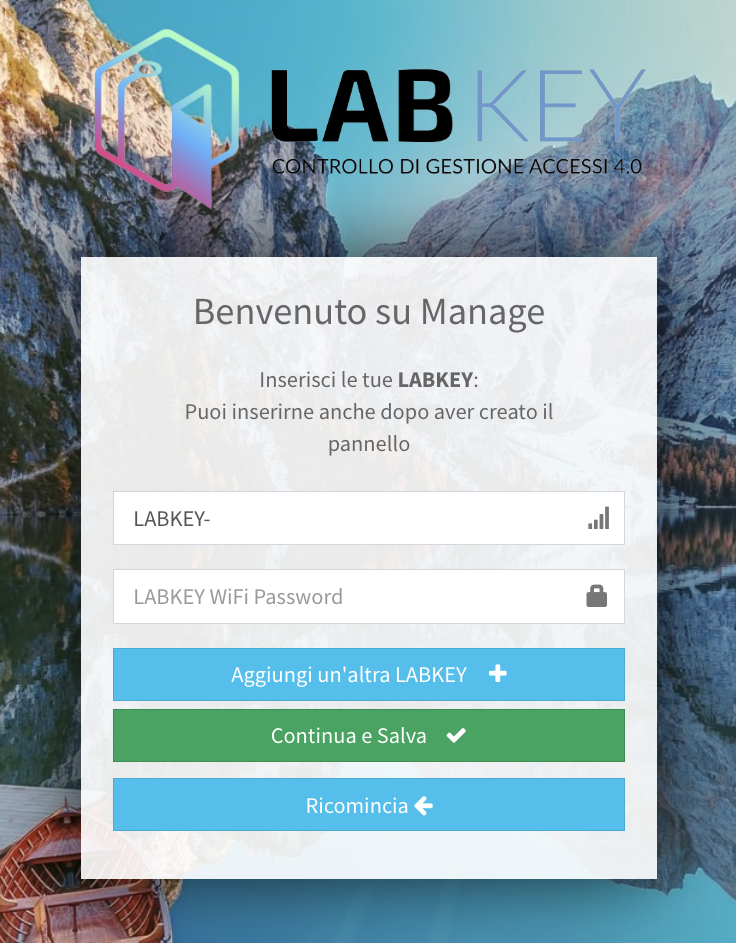
Note: Remember that the control unit will only move if it is a cloud model and NOT Stand Alone.
Dashboard
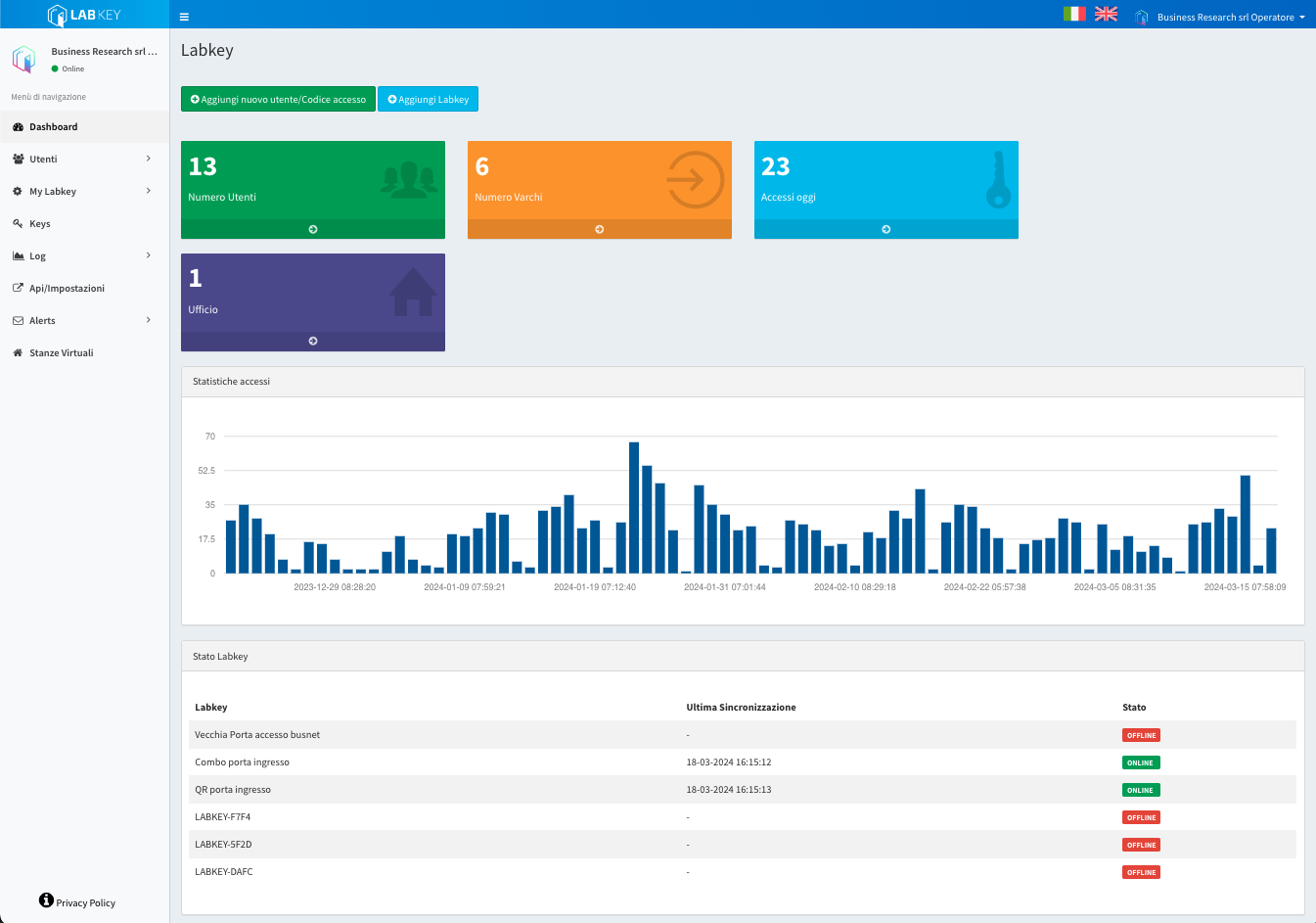
After logging into Manage, you will be greeted by your personalized Dashboard. This screen provides an immediate overview of your access control system’s current status, giving you quick access to key information.
Here is a detailed breakdown of the elements on your Dashboard:
Access Statistics: monitor the flow of accesses over time through daily, monthly, and annual statistics. Get a clear view of access activity in your environment.
Control Units List: find a complete list of your control units, each uniquely identified.
Online/Offline Status: the status logs next to each control unit immediately indicate whether the control units are online or offline.
Date and Time of Last Synchronization: view the date and time of the last synchronization performed by each control unit.
SMS: view the SMS available in your panel, or click on it to access the purchase and direct top-up page.