How to Connect to the Control Unit for Management
Light Control Unit
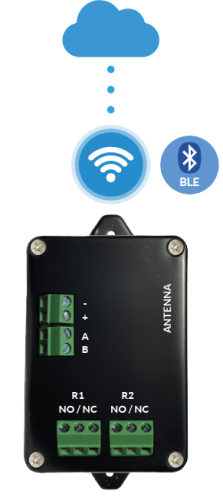
The Light control unit is managed through the LabKey mobile app, connecting via Bluetooth (BLE):
- Make sure Bluetooth is turned on on your smartphone: the Light control unit communicates using Bluetooth Low Energy (BLE) technology.
- Download and install the LabKey app — see How to Install the App.
- Open the app: after it scans for devices, select your control unit from the list (e.g. “LK-XXXXX”).
- Tap the admin icon to connect and create your new admin password.
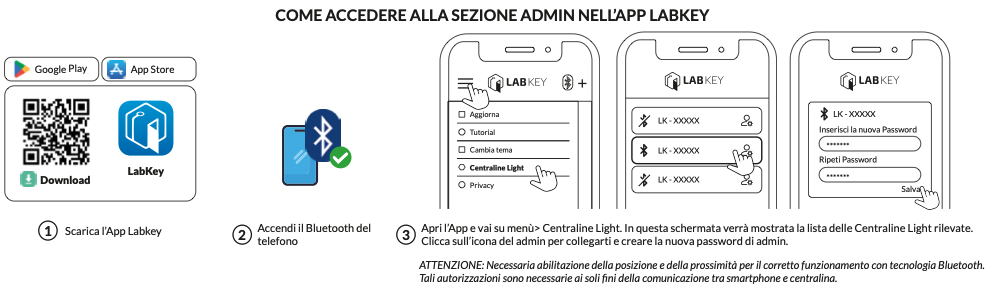
WARNING: Location access (and, on some devices, proximity) must be enabled for Bluetooth technology to work correctly. These permissions are required solely for communication between the smartphone and the control unit.
Once you’ve logged in to the admin section, see Managing the Light Control Unit from the App to discover all the available functions.
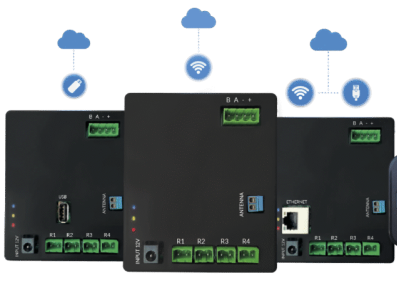
Basic, PRO, and LTE Control Units
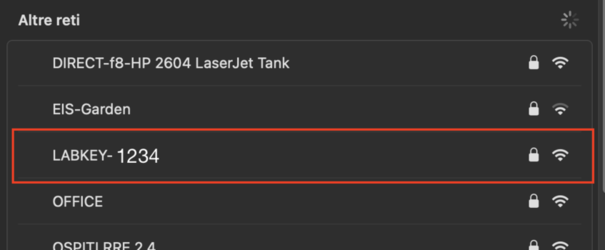
Using a PC or smartphone, connect to the control unit’s Wi-Fi network, “LABKEY-****”
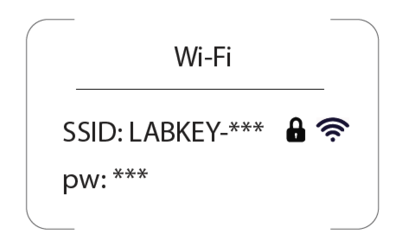
and enter the password you’ll find in the instruction booklet, in the “Connecting to the Wi-Fi network” section.
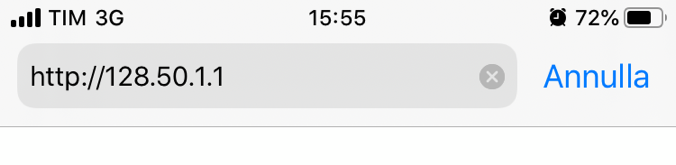
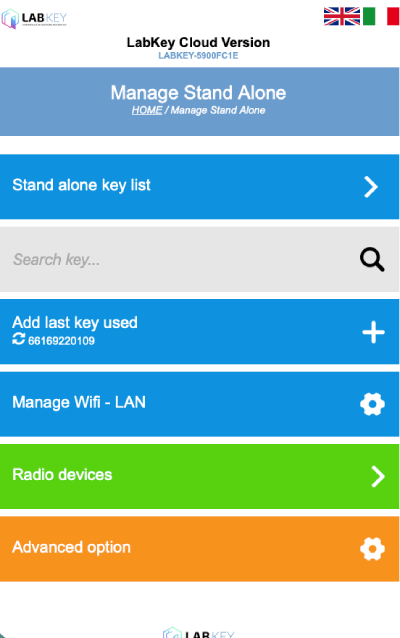
From your web browser, type http://128.50.1.1 in the address bar and you’ll be connected locally to your control unit.