PRO Control Unit
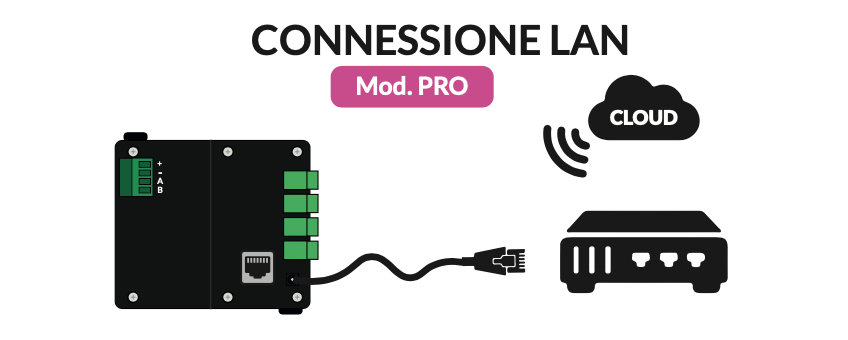
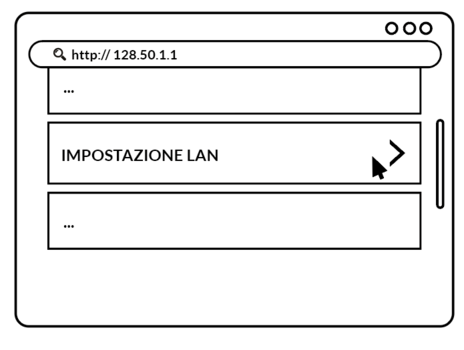
Connect the control unit to the physical network via RJ45 plug. On the page http://128.50.1.1, click “LAN Settings”.
Option available for PRO control units
Connect the control unit to the physical network via RJ45 plug
On the page http://128.50.1.1, click “LAN Settings”
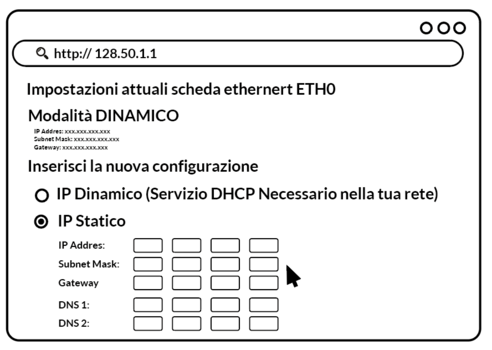
and fill in the required fields according to the characteristics and needs of your network.
Once connected to the internet, the PRO control unit is ready to be managed from the Manage panel.