LTE Control Unit
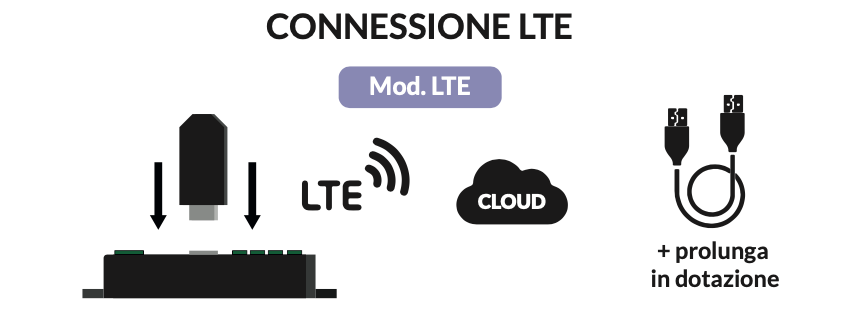
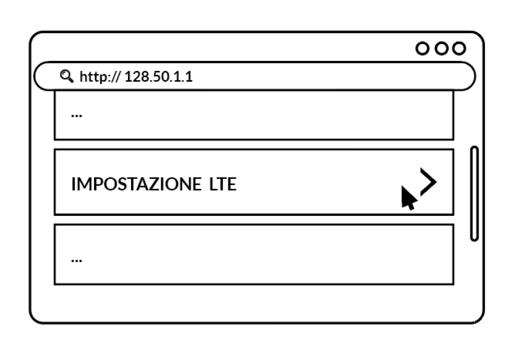
Connect the USB stick with built-in SIM to the control unit. On the page http://128.50.1.1, click “LTE Settings”.
Option available for LTE control units
Connect the USB stick with built-in SIM to the control unit.
On the page http://128.50.1.1, click “LTE Settings” to view the status of your network coverage.
Once connected to the internet, the LTE control unit is ready to be managed from the Manage panel.