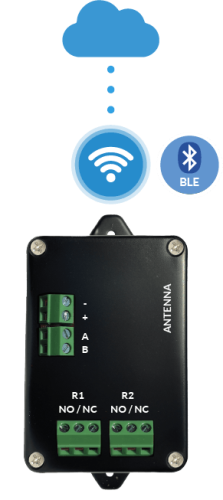
Light Control Unit
Connect your phone to the control unit via the mobile app over Bluetooth (BLE), then connect the control unit to Wi-Fi from Settings.
LabKey control units connect to the cloud differently depending on the model:
Connect your phone to the control unit via the mobile app over Bluetooth (BLE), then connect the control unit to Wi-Fi from Settings.
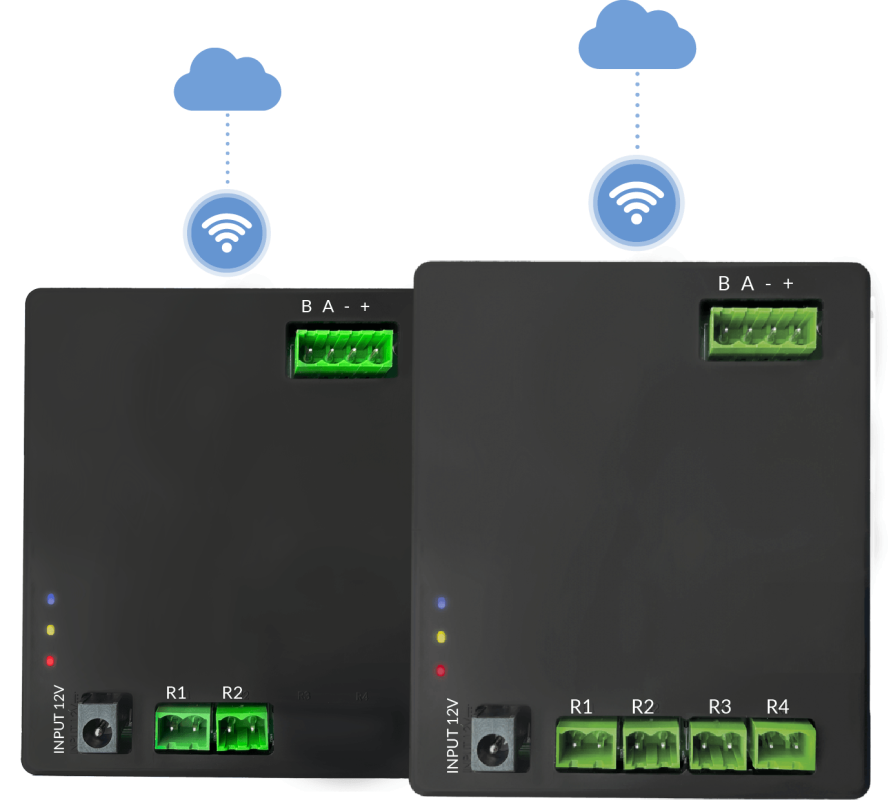
On the page http://128.50.1.1, connect the Basic control unit to the Wi-Fi network by clicking “Start Wi-Fi network configuration”, then select your Wi-Fi network.
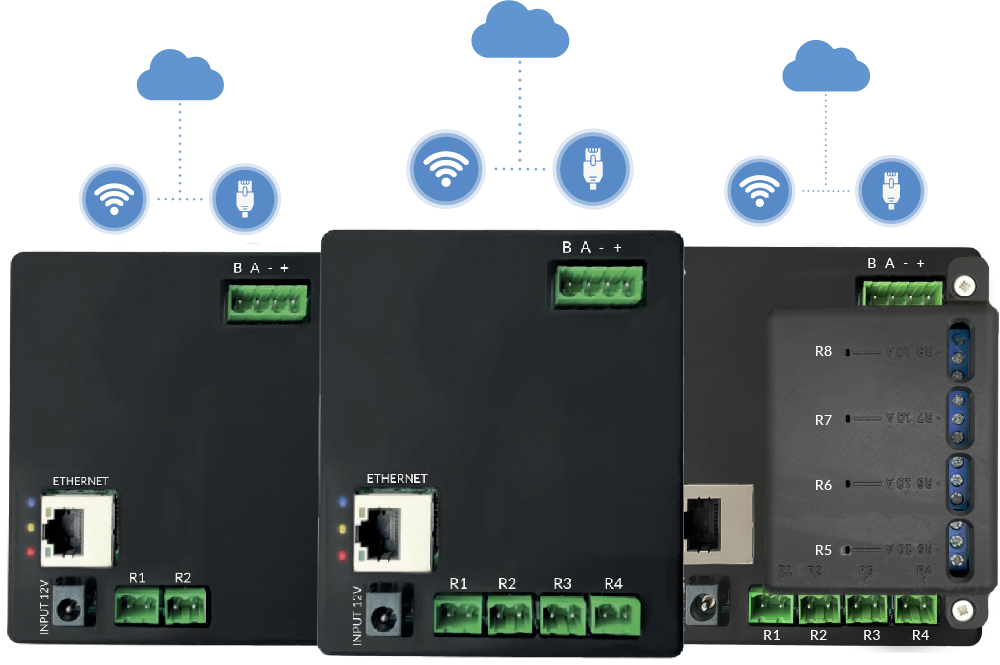
Connect the control unit to the physical network via RJ45 plug. On the page http://128.50.1.1, click “LAN Settings”.
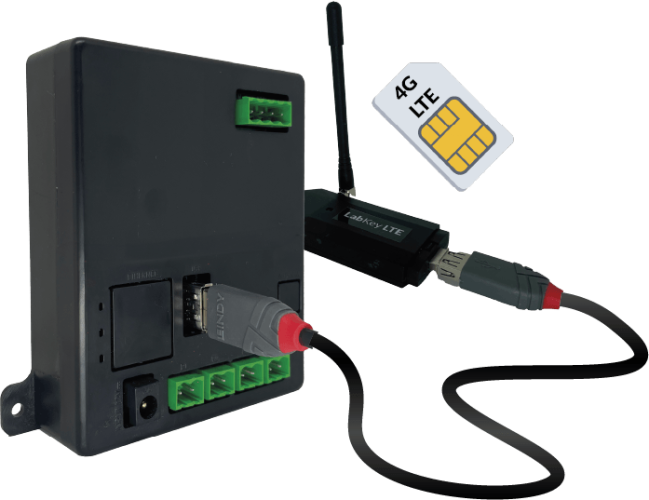
Connect the USB stick with built-in SIM to the control unit. On the page http://128.50.1.1, click “LTE Settings”.